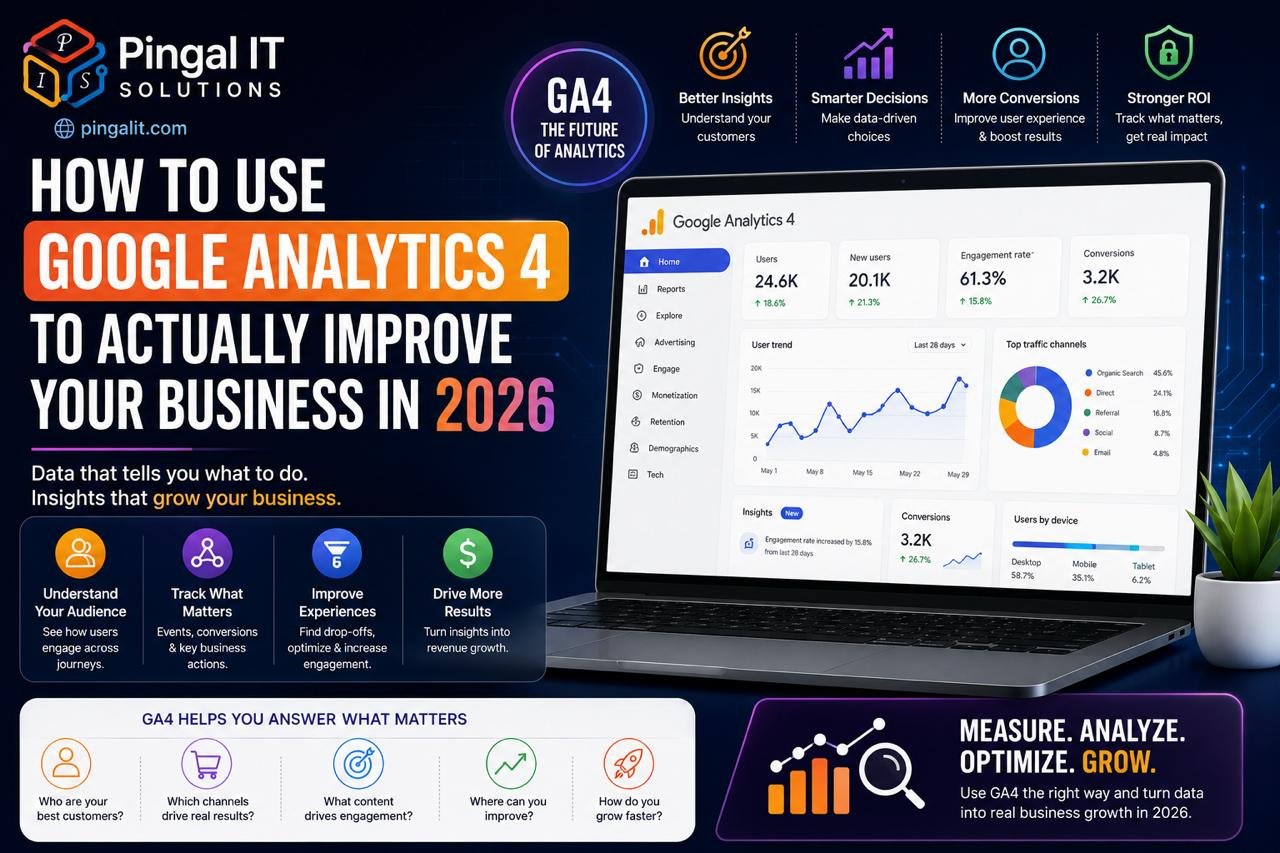
How to Use Google Analytics 4 to Actually Improve Your Business in 2026
Introduction
Google Analytics is installed on millions of websites. Most business owners have access to it. Almost none of them are actually using it to make decisions.
They look at vanity metrics — total visits, bounce rate — without understanding what those numbers mean or what they should actually be measuring. They implement changes without establishing baselines or tracking the impact. They collect data but take no action based on it.
In 2026, with Google Analytics 4 (GA4) finally mature and widely understood, there is no excuse for this anymore. Analytics done right is the difference between businesses that grow strategically and those that waste money on marketing that doesn't work.
This guide explains what GA4 actually measures, what metrics actually matter, and how to use analytics to make better business decisions.
Why Most Businesses Misuse Analytics — And How GA4 Fixes It
The problem with traditional web analytics (like Universal Analytics before it) was that it measured pageviews — how many times people loaded your pages. But pageviews don't tell you anything meaningful about whether your business is growing.
A user could visit your website ten times without ever becoming a customer. Another user could visit once, spend ten minutes reading your service page, and become a high-value client. The first user inflates your pageview count while contributing nothing to revenue. GA4 recognises this and shifts focus from pageviews to user engagement and conversion events.
GA4 measures what actually matters: Did users interact with your content? Did they move toward conversion? Did they become customers?
The GA4 Setup Every Business Needs — The Foundation
GA4 doesn't track meaningful data out of the box. You must configure it properly. Most businesses skip this step, which is why their analytics are useless.
Step 1: Install the Measurement ID Correctly
GA4 should be installed on every page of your website. If you're using Google Tag Manager (recommended), set up the GA4 tag there rather than on individual pages — it's cleaner and easier to maintain.
Step 2: Define Conversion Events
This is critical. Tell GA4 what actions represent value in your business. For a services business, a conversion might be a contact form submission. For e-commerce, it's a purchase. For a SaaS product, it's a signup or trial start.
Without defining conversion events, GA4 can't tell you whether your marketing is working.
Step 3: Implement Event Tracking for Key Actions
Conversions are the ultimate goal, but intermediate actions matter too. Track when users:
- Click your main call-to-action button
- Scroll to the bottom of a key page
- Download a resource or whitepaper
- Click to call or email
- Add items to cart (for e-commerce)
- Watch a video
These intermediate events tell you where people are in their customer journey and where they drop off.
Step 4: Set Up Goals and Funnels
A funnel is a sequence of events leading to a conversion. Knowing where users drop out of your funnel is one of the most powerful insights analytics can provide.
For a services business, your funnel might be: Homepage → Services Page → Contact Form → Submission. If 100 users hit your homepage, 40 visit services, 15 reach the contact form, and 5 submit, you've identified exactly where to improve.
The Metrics That Actually Matter — And What to Ignore
GA4 generates hundreds of reports. Most of them are noise. Focus on these metrics:
| Metric | What It Means | What to Do With It |
|---|---|---|
| Conversion Rate | % of users who completed a conversion event | Your primary success metric — track it weekly |
| Cost Per Conversion (CPC) | How much you spend to acquire one customer | Know your actual acquisition cost to determine profitability |
| Customer Lifetime Value (CLV) | Total revenue from an average customer | If CLV is 10x your CPC, you have a good business |
| Traffic Source / Medium | Where users come from (organic, paid, direct, social) | Double down on sources that convert; cut low-performing ones |
| Landing Page Performance | Which pages drive conversions | Invest in improving your best-performing pages |
| Funnel Dropout Rate | Where users abandon your conversion path | Fix the largest dropoff point first |
| Device / OS Performance | Conversion rates by mobile vs. desktop | If mobile converts poorly, prioritise mobile experience |
| ROI by Campaign | Revenue generated per marketing spend | Kill campaigns with negative ROI; invest more in winners |
Metrics to ignore: Pageviews, bounce rate, average session duration — these vanity metrics don't tell you if your business is growing.
The Monthly Analytics Review — How to Actually Use Data
Collecting data is pointless if you don't act on it. Every month, run this analysis:
Week 1: Data Review
Pull your conversion data for the past month. Compare against the previous month and against your goal. What happened? Did conversions increase or decrease? By how much? What was the biggest change?
Week 2: Traffic Source Analysis
Break down conversions by traffic source. Which channels are profitable? Which are wasting money? If paid ads are generating low-conversion-rate traffic, your ad targeting needs adjustment. If organic search converts well but is small, invest in SEO.
Week 3: Funnel Analysis
Where are users dropping out of your conversion path? If your homepage gets 1000 users but only 50 reach your contact form, you have a top-of-funnel problem — your homepage doesn't convince people to go deeper. Fix that first before optimising the contact form.
Week 4: Action Items
Based on what you learned, what should you change? Maybe:
- "Our mobile conversion rate is 40% lower than desktop. Let's redesign for mobile."
- "Organic search converts at 3% but paid ads convert at 0.5%. Stop paid ads, invest in SEO."
- "Our homepage is fine, but only 5% of visitors go to the services page. Add more prominent CTA above the fold."
Without this monthly ritual, your analytics are just data collection exercises.
GA4 Integration With Your Business Tools
GA4 gains power when connected to the rest of your business ecosystem:
- Google Ads — see which ads drive conversions; optimise spend accordingly
- Search Console — understand which keywords drive traffic and conversions
- CRM — connect GA4 to your CRM to track which website visitors become customers
- Email marketing platform — measure whether email campaigns drive website traffic and conversions
- Shopify / WooCommerce — track e-commerce transactions directly in GA4
- Slack — set up alerts for anomalies (sudden drop in conversions) so you know immediately when something breaks
These integrations transform GA4 from a retrospective reporting tool into a real-time business intelligence platform.
Common GA4 Mistakes — And How to Avoid Them
Mistake 1: Not Tracking Conversions
GA4 doesn't automatically know what a conversion is for your business. You must configure it explicitly. Without this, you can't measure success.
Mistake 2: Mixing Up Causation and Correlation
"We posted on social media and got 100 visitors, but no conversions. Social doesn't work." This is a data reading error. Social might have driven low-intent traffic. Just because traffic came from social doesn't mean it converts. Measure conversion rate by source, not absolute traffic.
Mistake 3: Not Setting a Baseline
Before you change anything, measure what's currently happening. "We redesigned the homepage and got more conversions" only means something if you know what your conversion rate was before the redesign.
Mistake 4: Looking at Overall Metrics Without Segmentation
Your overall conversion rate might be 2%, but it might be 5% on mobile and 1% on desktop. Or 8% from organic search and 0.5% from paid ads. Segmented analysis reveals where to focus effort.
Mistake 5: Chasing Pageviews Instead of Conversions
More traffic is only good if it converts. A 20% increase in visitors with a 50% decrease in conversion rate is a disaster, not a win.
GA4 Privacy and Compliance in 2026
With privacy regulations tightening (GDPR, DPDP Act, Apple privacy changes), GA4 has shifted toward privacy-respecting measurement:
- No third-party cookies — GA4 doesn't use cookies to track across websites; it uses first-party data only
- Consent management — properly configure GA4 to honour user consent choices
- Data anonymisation — GA4 can anonymise IP addresses so you're not storing personally identifiable information
- Compliance by default — GA4 is designed to be GDPR and DPDP compliant when configured properly
Make sure your GA4 setup respects user privacy and complies with applicable regulations.
How Pingal IT Solutions Uses Analytics
At Pingal IT Solutions, Jaipur, every website and application we build includes GA4 configured from day one — with conversion events, funnels, and integrations already in place. We don't hand you a website and hope you figure out the analytics. We set it up to answer the questions you care about.
For existing websites, we conduct analytics audits: reviewing your current setup, identifying gaps, configuring missing events and conversions, and building monthly review processes so you actually use the data.
Conclusion
GA4 is a powerful tool that can transform your business decisions from guesses into data-driven certainty. But only if you actually configure it, understand what it's telling you, and act on what you learn.
If your website has GA4 installed but you're not running monthly reviews and making changes based on data, you're leaving enormous growth on the table. Your competitors probably are too — which is your opportunity.
Want an audit of your current analytics setup? Talk to Pingal IT Solutions — we'll review your GA4 configuration and show you exactly what insights you're missing.